
AI PDF to PPT
Features:
How to use
Features:
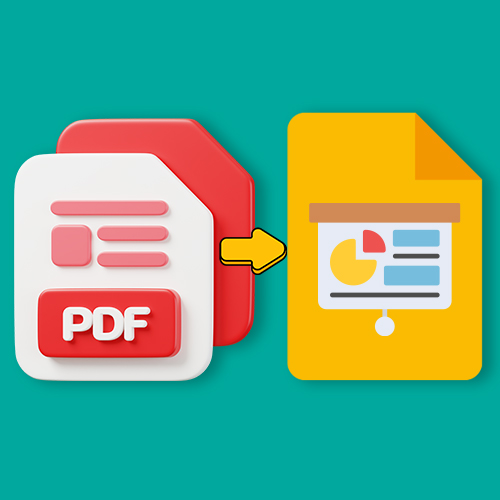
- Automatically convert PDF documents into professional PowerPoint (PPT) files in just a few seconds.
- Preserve the original layout, fonts, images, charts, and content structure.
- Help students quickly turn study materials into easy-to-understand presentation slides.
- Support teachers and office staff in saving time when preparing lectures, reports, or projects.
- Assist businesses in converting PDF reports into presentations for meetings or pitching to clients and partners.
- Save time from manual slide creation, increasing productivity and professionalism.
How to use:
- Upload the PDF file you want to convert to the system.
- AI will automatically process and export a PowerPoint file while preserving the formatting.
- Download the PPT file, then edit, add, or redesign it as you wish.
Notes:
- Only use legal documents that do not infringe copyright.
- Low-quality scanned PDFs may cause AI to have difficulty preserving exact formatting.
- Do not use this tool to convert or distribute documents containing sensitive, offensive, or illegal content.
Explore comprehensive AI solutions
AI Translator
Features:- Translate text quickly and accurately into multiple languages within...
Rewrite Text
Features:- Automatically rewrite text with a fresh and natural expression while...
AI PDF Translator
Features:- Automatically translate PDF documents into multiple languages with hi...
AI PDF to PNG
Features:- Convert each PDF page into high-quality PNG images within seconds.- P...
AI Resume Checker
Features:- Analyze and evaluate CVs based on modern recruitment standards.- Revi...